Instapage: A Complete Guide for Artificial Intelligence Professionals
At The Algorithm Arch, I’m always preaching that the "architecture of intelligence" doesn't stop at your API endpoint. It extends to the post-click experie...
Picture this: You’ve just spent three weeks fine-tuning a proprietary LLM for a niche medical use case. Your model is a masterpiece of architecture, but your marketing lead just told you that the conversion rate on your sign-up page is tanking because it’s "too technical" and takes four seconds to load on mobile. You’re a builder, not a front-end designer, and the thought of manually A/B testing hero sections makes you want to go back to manual data labeling. This is where the bridge between complex AI backends and user-facing conversion happens.
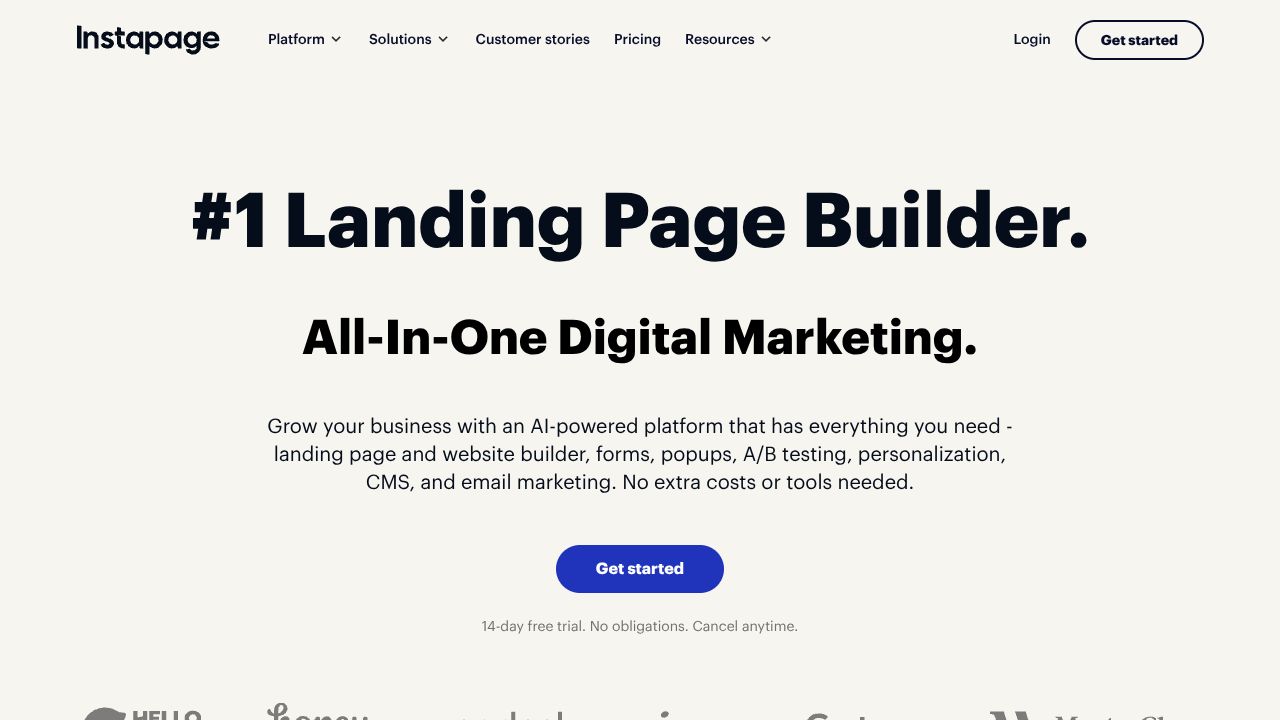
At The Algorithm Arch, I’m always preaching that the "architecture of intelligence" doesn't stop at your API endpoint. It extends to the post-click experience. Instapage isn't just another drag-and-drop builder; it’s an enterprise-grade optimization engine designed to handle the high-stakes traffic that AI startups and scale-ups command. While a tool like Wix ADI is fantastic for quickly spinning up a portfolio or a simple business site using AI prompts, Instapage is built for those who need to squeeze every ounce of ROI out of their ad spend through hyper-personalization and data-backed heatmaps.
Step 1: Architecting Your Workspace
Before you drop a single pixel, you need to set the foundation. After signing up, you’ll be prompted to create a "Workspace." In my experience, if you’re running multiple AI products (say, a B2B API and a B2C chatbot), keep these in separate workspaces.
The setup is straightforward: link your domain and, most importantly, integrate your CRM. If you’re using Salesforce or HubSpot to track lead quality for your AI tool, do this now. Unlike simpler builders that require third-party plugins for deep data flow, Instapage is built for this kind of enterprise connectivity from the jump.
Step 2: Leveraging the AI Content Engine
Once you’re in the builder, you’ll see the "AI Content" generator. This is where the magic happens for us technical folks who might struggle with "marketing speak."
- 🌿Full Page Generation: Input your product's core value proposition—for example, "An AI-driven predictive maintenance tool for manufacturing"—and the engine generates a structured layout.
- 🌿The Thor Render Engine: This is the "secret sauce." It ensures your page loads in under 1.3 seconds globally. In the AI world, where we often deal with heavy assets or complex scripts, this speed is non-negotiable for SEO and user retention.
- 🌿Built-in Heatmaps: Don't guess where people are looking. Once your page is live, the heatmap tool shows you exactly where users are hovering. If they’re ignoring your "Technical Specs" section and clicking on your "Pricing" instead, you know exactly what to move above the fold.
Step 3: Pro Tips for AI Implementation Guides
As someone who spends more time in Python than in CSS, I use Instapage to create "Implementation Hubs" for my users. Here’s how you can level up:
- 🌿Dynamic Text Replacement: Use this to match your landing page copy to the specific search term the user used. If someone searches for "AI for Logistics," the page can automatically swap headers to reflect that, rather than a generic "AI Solutions" title.
- 🌿Global Blocks: If you update your API documentation link or your brand's "Responsible AI" statement, you can update it once in a Global Block and it will reflect across every single landing page in your ecosystem.
- 🌿Scale with Personalization: Use the "Personalization" feature to show different content to a CTO versus a Junior Dev. You can serve different CTAs based on the visitor’s firmographic data—a level of sophistication you won't typically find in Wix ADI.
Common Mistakes to Avoid
- 🌿Over-Engineering the Design: Just because you can add 50 elements doesn't mean you should. Stick to the AI-generated wireframes; they are optimized for conversion, not just aesthetics.
- 🌿Ignoring the Heatmap Data: I’ve seen teams run pages for six months without checking their heatmaps. You're leaving "intelligence" on the table. Review these weekly.
- 🌿Forgetting Mobile Optimization: Even though the Thor Render Engine is fast, check your layout on the mobile toggle. AI users are increasingly browsing on the go.
How It Compares to the Ecosystem
In the world of AI-assisted web building, the spectrum is wide. Wix ADI excels at getting a beautiful, functional site live in minutes from a few prompts, making it the go-to for solo founders or small projects. However, Instapage is the "heavy lifter." While Wix is a generalist, Instapage is a specialist in Conversion Rate Optimization (CRO). If your goal is to manage $50k/month in ad spend for a new SaaS tool, Instapage’s analytics and ultra-fast loading give it the edge over more template-focused builders.
Conclusion: Is Instapage Right for You?
If you’re looking for a quick, "set it and forget it" blog or a simple landing page, Wix ADI is likely your best bet—it’s intuitive and cost-effective.
But if you are building the next frontier of Artificial Intelligence and need a post-click experience that is as sophisticated as your backend, Instapage is the move. It’s for the enterprise team that views their landing page as a high-performance algorithm that needs constant tuning and lightning-fast execution. It’s not the cheapest option at $99/mo, but in the world of AI, you get the performance you pay for. Keep climbing, keep building, and make sure your front-end is as smart as your code.
Explore Instapage
Visit the Source🌻